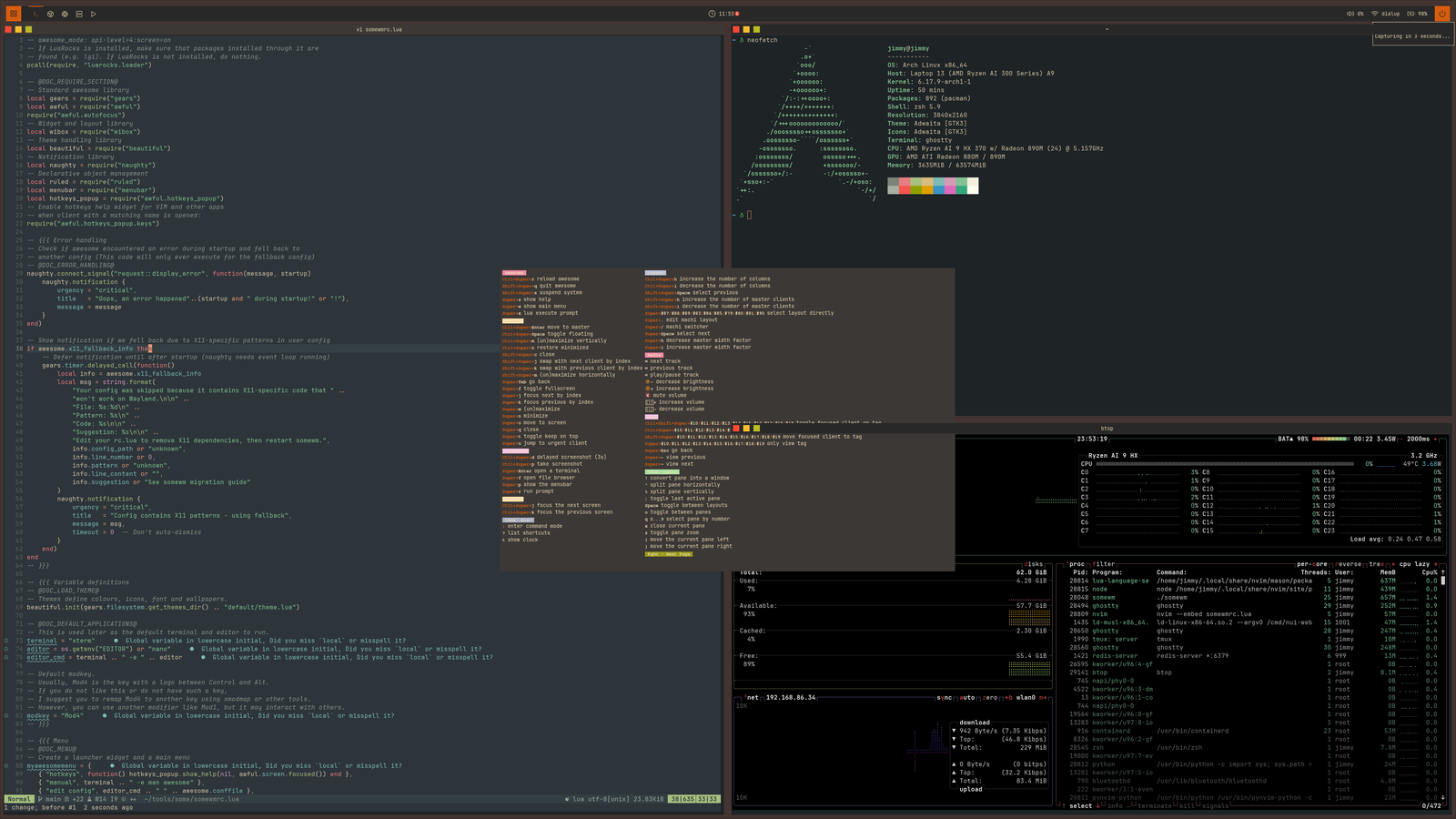
Configure your desktop in Lua
Use AwesomeWM-style objects, rules, signals and themes. Bring an existing configuration or start with the bundled desktop.
A full widget toolkit
Describe your widgets and layouts in Lua. SomeWM handles sizing and drawing. Build your first widget.
Restart without losing your session
On Wayland, a compositor restart kills your apps. awesome.restart() hot-reloads the Lua runtime in-process. Clients stay put.
Scriptable from the outside
somewm-client: ~45 commands plus event subscription, from your shell or any script.
Build something in SomeWM 2.1
Start with a clock you can see and click, then put it in your bar. Build reusable widgets with your own data and behaviour, or write Clay descriptions for new content and sizing rules.
Awesome From Scratch: SomeWM 1.4 and AwesomeWM
A thirteen-chapter course, read in order, that builds a complete desktop configuration: theme, widgets, bar, notifications, launcher, dashboard, lockscreen. Each chapter starts from the config the previous one finished and has a checkpoint branch with the finished code. The course targets SomeWM 1.4 and AwesomeWM. Use the tutorials above for SomeWM 2.1.
kiln
SomeWM's parallel experiment: a Wayland compositor whose entire surface is one Clay layout tree per screen. Windows, bars, widgets, and notifications are all Clay nodes, declared from Lua.
Latest Release: 2.1.0 · Declarative widget and client layout. Read the announcement